
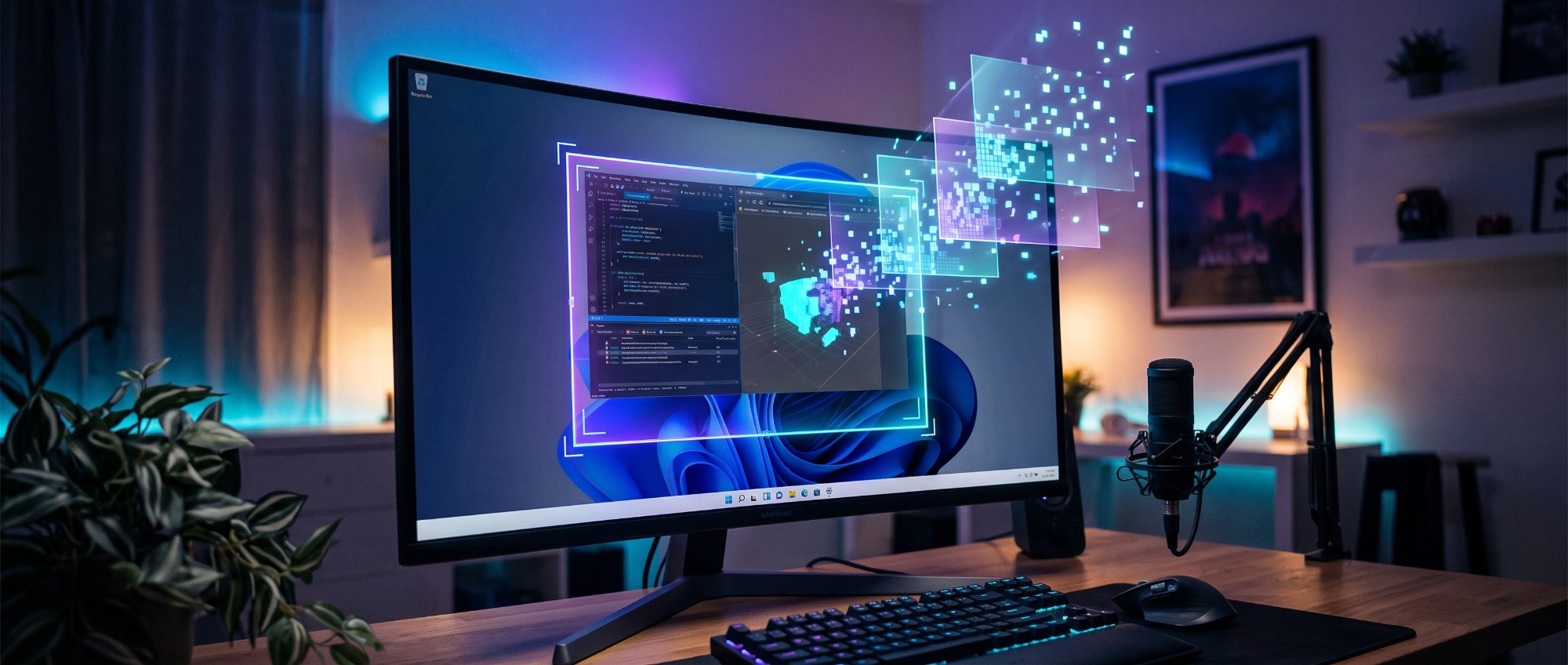

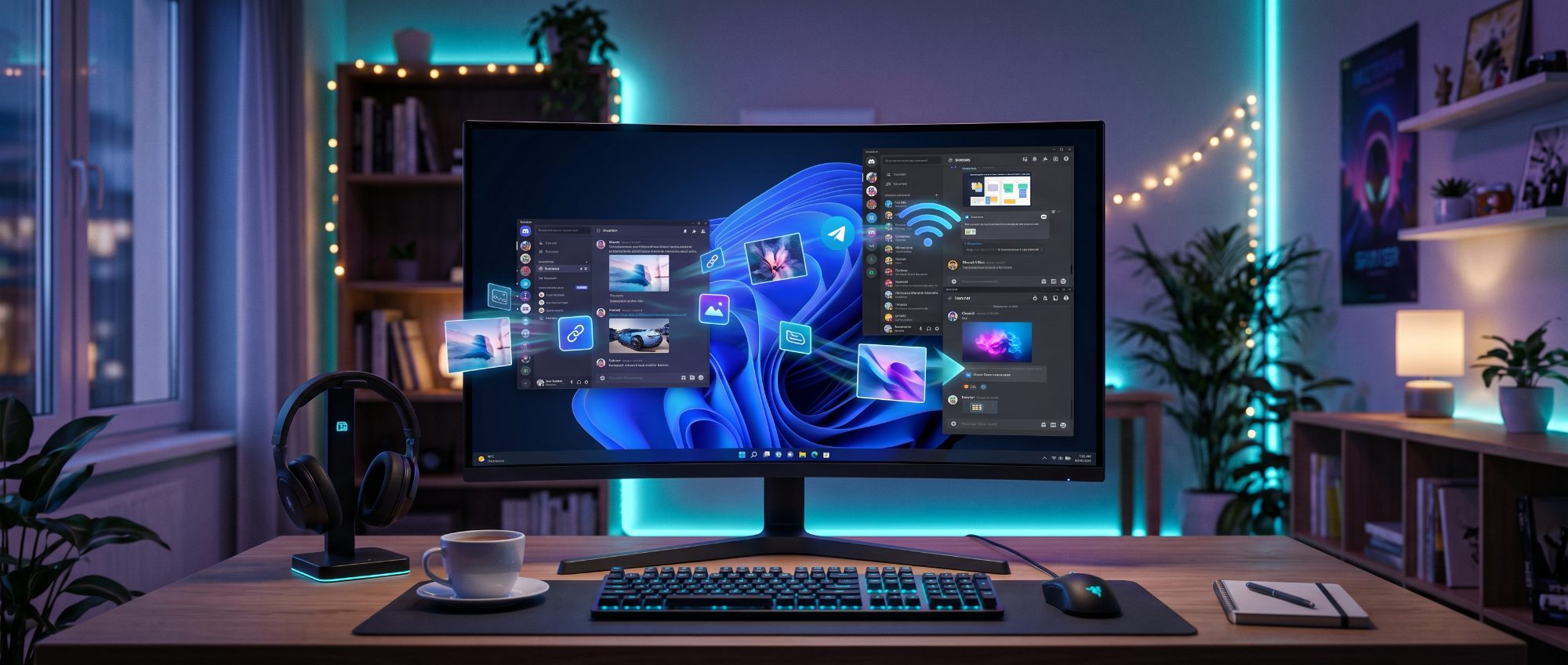
Save it, remember the folder, find the file, attach it, wait for the upload — Shot2Net does all of that for you.
A region, a window or the whole screen. The selection catches on window edges and shows its size, so there is nothing to crop afterwards.
An arrow, a box, a step number, a blur over what should not be read. Straight onto the capture — no separate editor to open.
The capture uploads itself and the link lands on your clipboard. Nothing to save, hunt for, or attach.
Every capture, searchable and filtered by date. A link you sent a month ago is a second away.
PrintScreen, Alt+PrintScreen or a combination of your own. It waits in the tray and stays out of your way.
English, Ukrainian and Russian, and a dark theme that does not glare at you in the evening.
Capturing, marking up and saving to disk are free and unlimited. You only pay for the cloud: more room, direct links, and captures without a watermark.
|
Basic
Free
free
|
Lite
$10
per year
|
Pro
$25
per year
|
|
|---|---|---|---|
| Cloud storage | 100 MB | 1 GB | 10 GB |
| Largest single file | 5 MB | 10 MB | 2 GB |
| Kept for | 30 days | Kept | Kept |
| Uploads per day | 20 | Unlimited | Unlimited |
| Direct link to the file no viewer page in between | — | ✓ | ✓ |
| No watermark | — | ✓ | ✓ |
| Screen recording in a coming update | — | — | ✓ |
| Your own S3 storage in a coming update | — | — | ✓ |
| Start free | Choose | Choose |
You can try it without an account at all — 50 MB and 7 days of storage. Registering buys one thing: your links survive a Windows reinstall and open from a second computer.